Can I upload a photo of my own room?
Yes. Upload a clear phone photo that shows the whole wall, with the floor, furniture, and ordinary room light visible where possible.
A virtual paint colour visualizer for real rooms
Upload one photo, see the walls realistically repainted, and compare the options before you buy paint.
Your first render is free. No signup or card required.
A swatch shows you a colour in isolation. A room preview shows what it does beside your floor, furniture, daylight, and shadows.
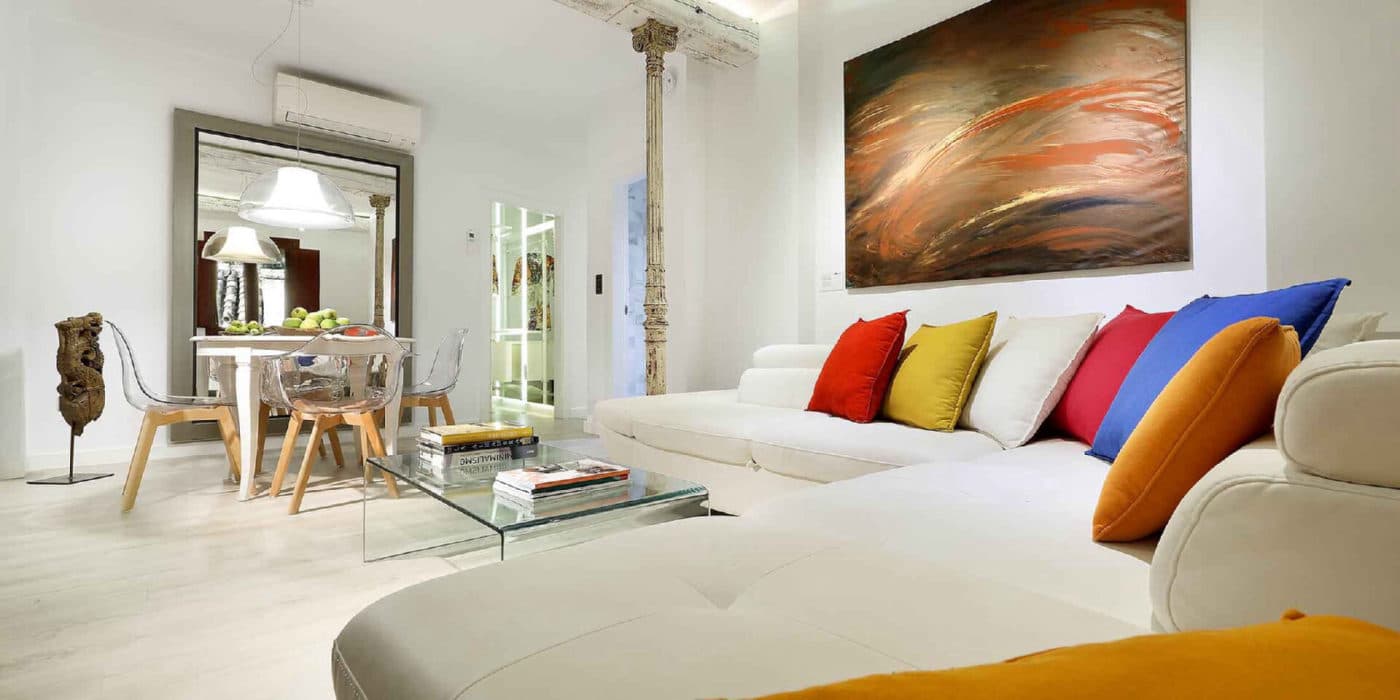
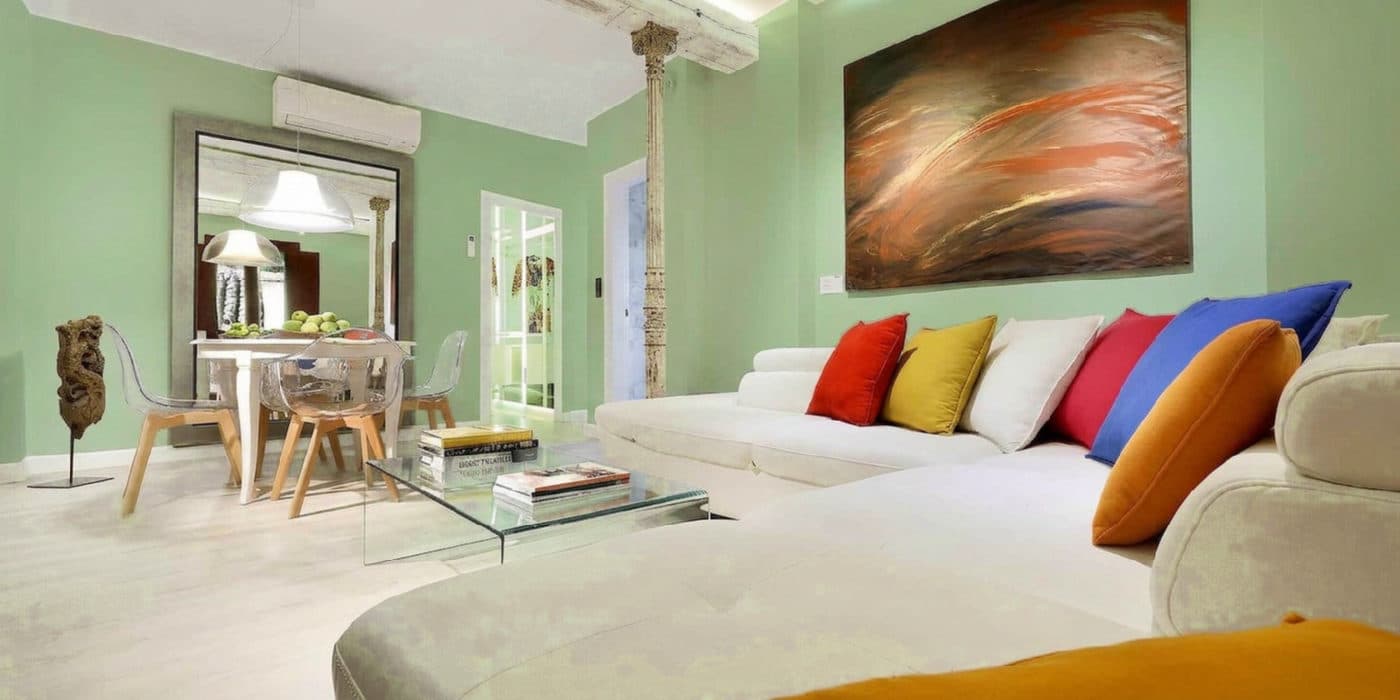
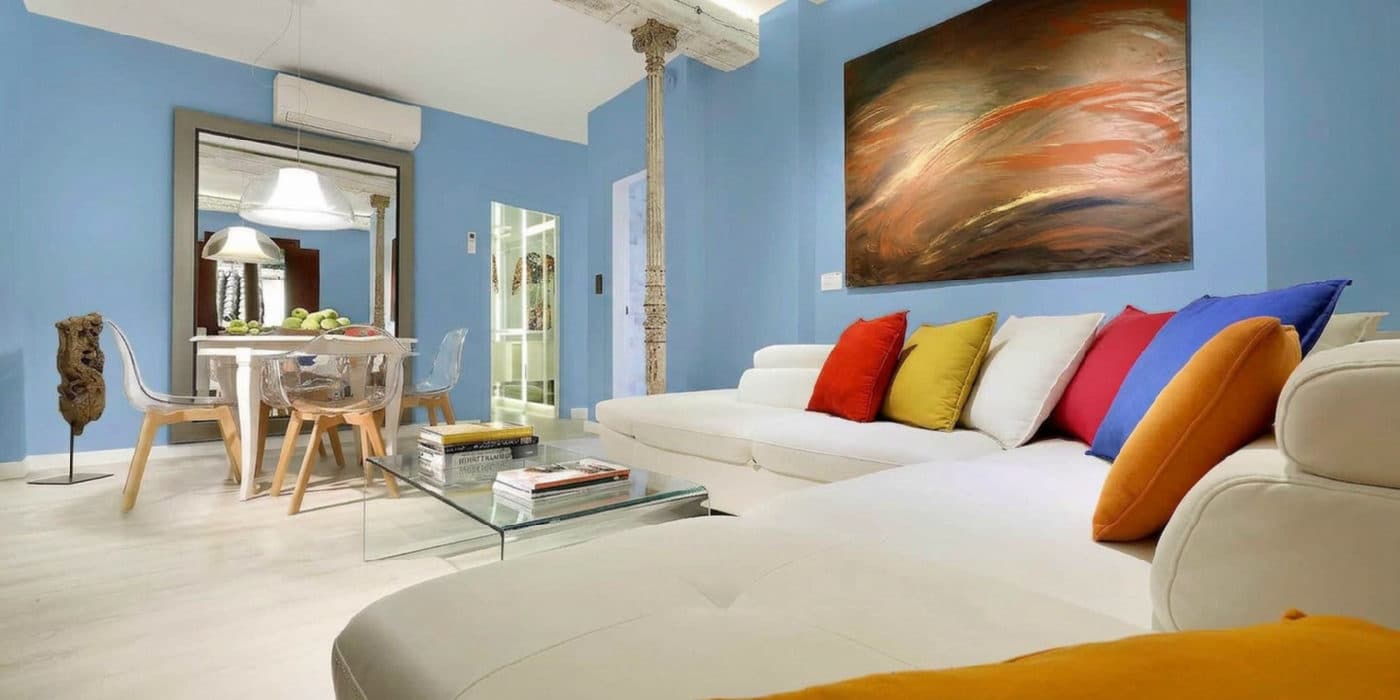
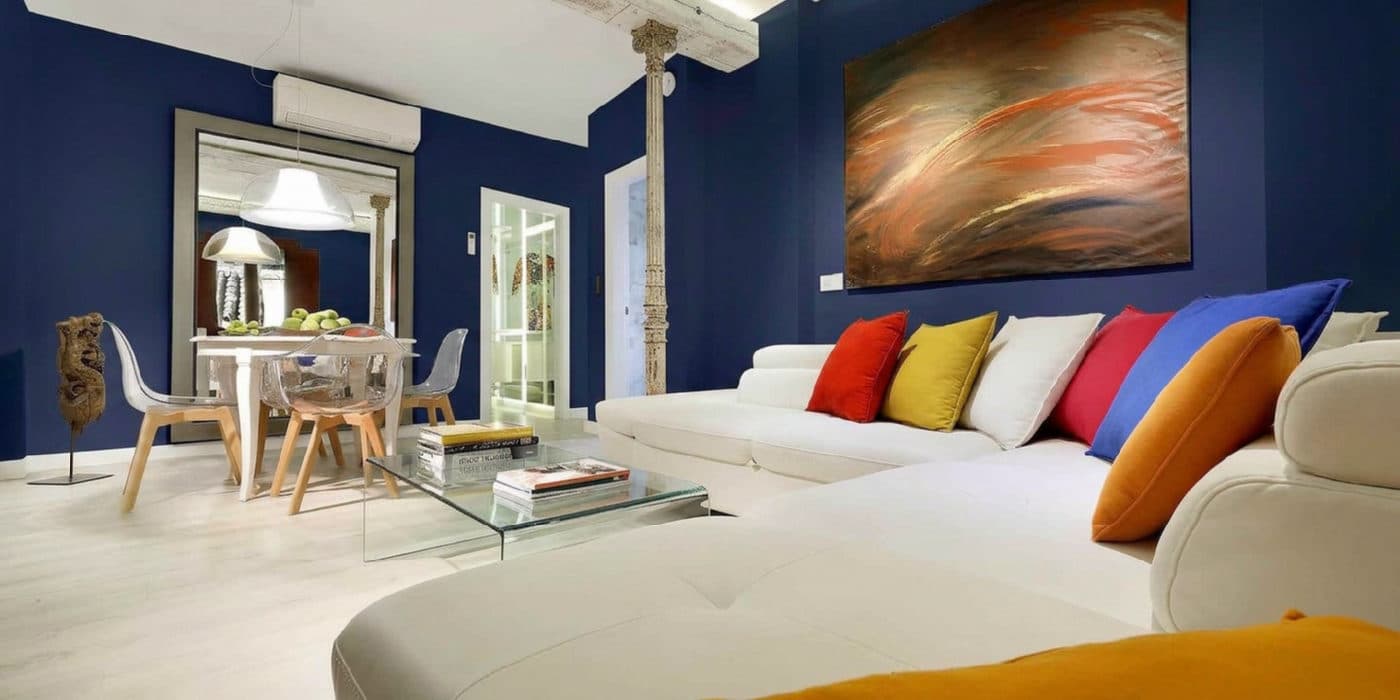
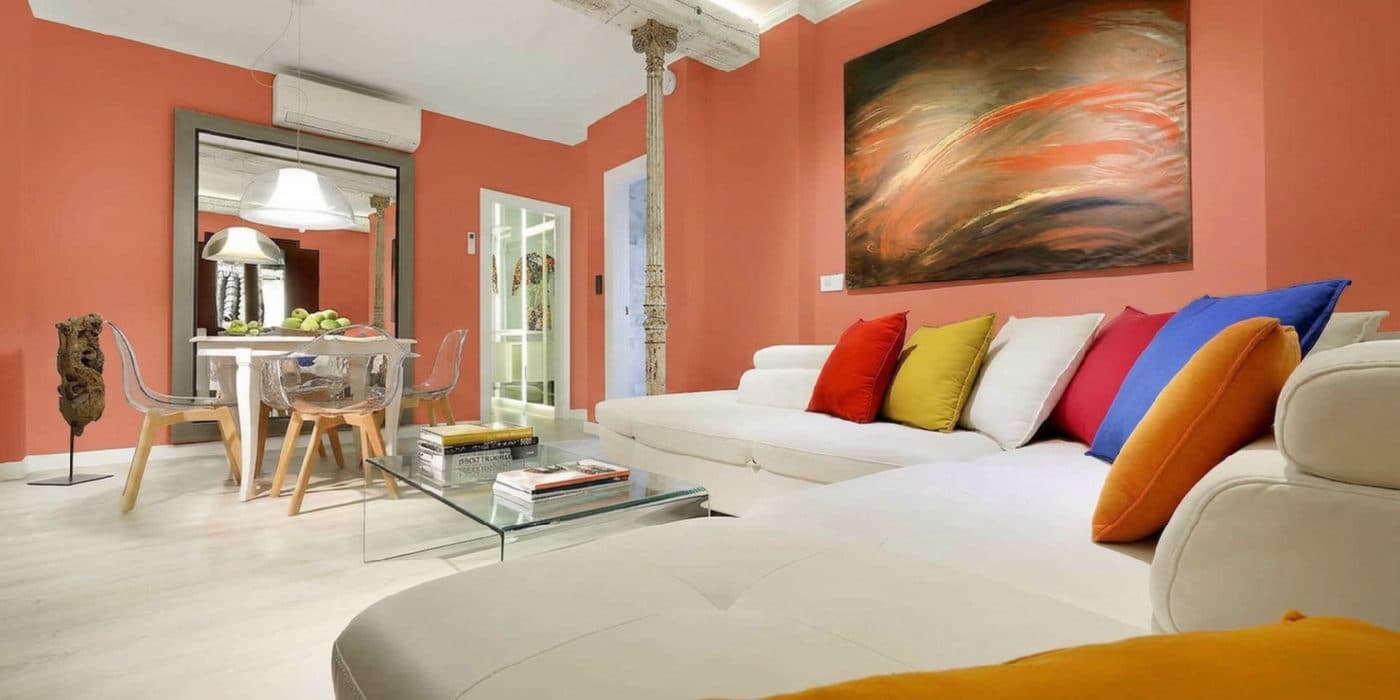
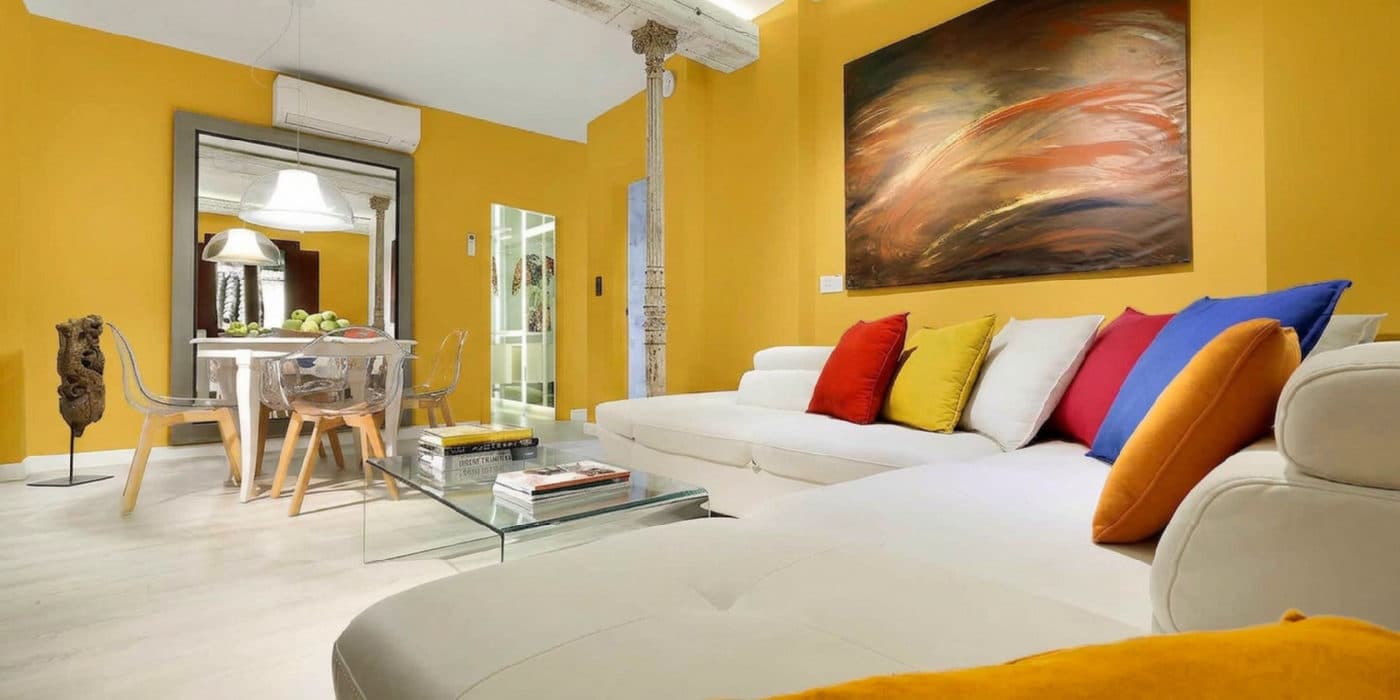
TestMyPaint is built for the part of decorating that a paint chip cannot answer: how a colour will feel across a whole wall in your room.
01
A normal phone photo works. Stand back far enough to show the whole wall, and use daylight if you can.
02
Pick one colour for your free render, or sign in to line up as many as five at once. Use a curated option or mix your own.
03
Put the original beside every repaint, save the strongest option, then confirm your finalist with a physical swatch.
This page helps you test paint colours virtually for decorating. It does not test old paint for lead or asbestos, identify oil or latex paint, or predict coverage and finish.
Screens and room lighting still change how colour appears. Use the preview to narrow the choice, then confirm the finalist with a real swatch before you buy.
Common questions
Yes. Upload a clear phone photo that shows the whole wall, with the floor, furniture, and ordinary room light visible where possible.
Your first render covers one colour without signup or a card. After signing in, you can line up as many as five colours on the same room photo.
No. Screens, room lighting, wall texture, and paint sheen can all change how a colour appears. Use the preview to shorten the list, then confirm the finalist with a physical swatch in the room.
No. TestMyPaint is a decorating visualizer. It does not test old coatings for lead or asbestos, identify oil or latex paint, or predict paint coverage and finish.
Keep narrowing
Continue with the question closest to your room before you buy a sample.