Free paint visualizer shortlist

Best free paint visualizers for your own room

The best paint visualizer depends on the decision you need to make. Compare four free options for your own room, from a measured brand-neutral shortlist to catalogue and mobile store tools.

See your colours in your room

One free render. No signup or card required.

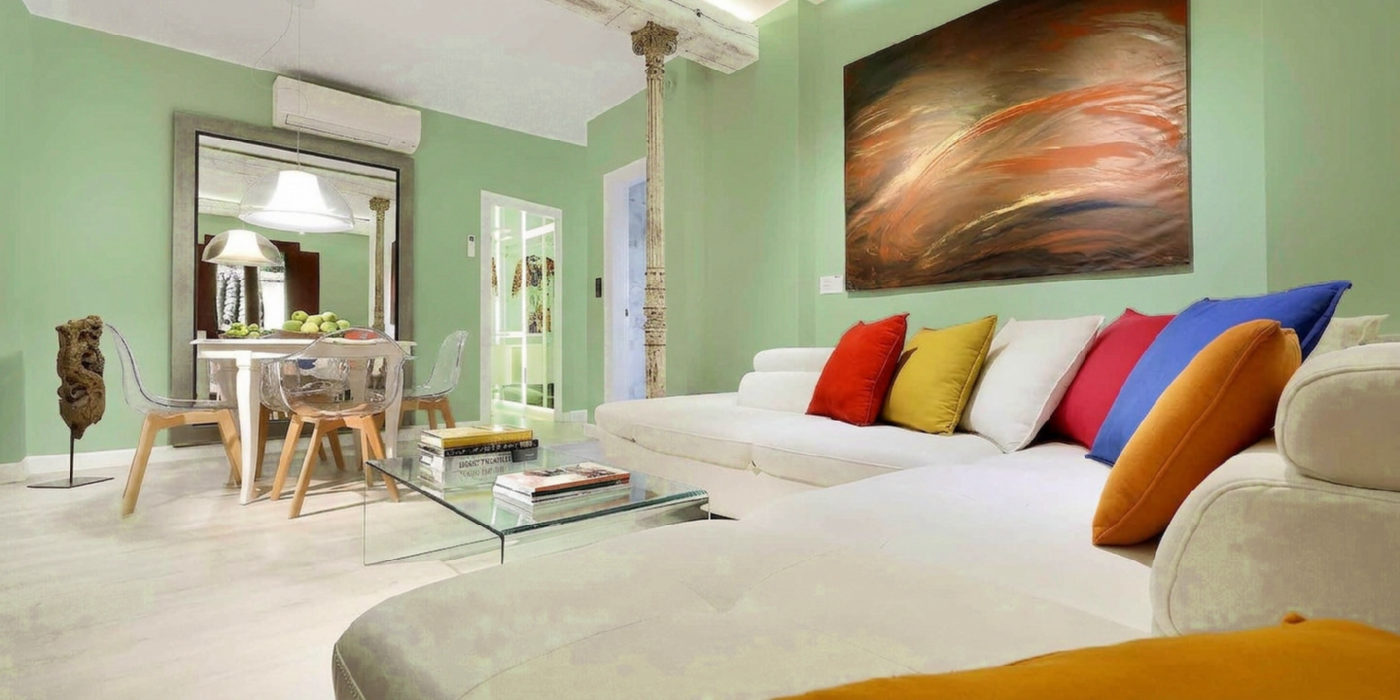
The same living room virtually repainted sage green
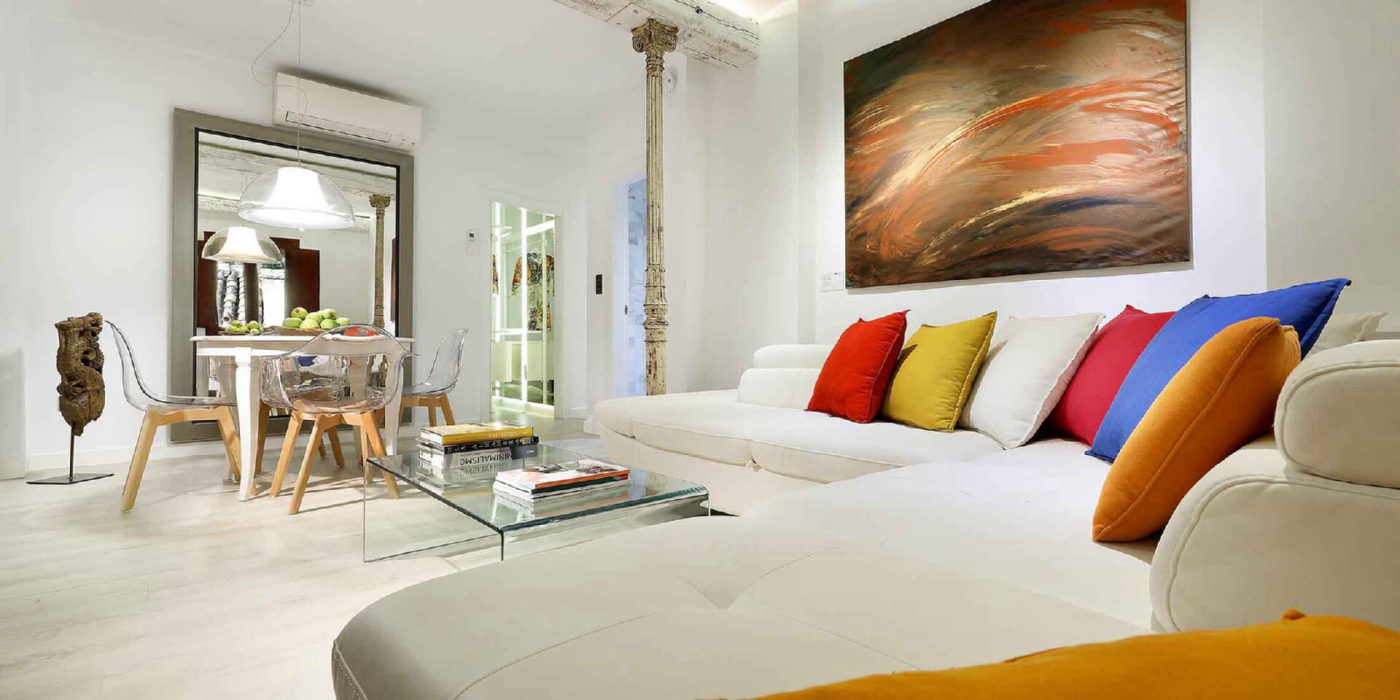
A bright living room before virtual repainting
Room photoSage Green preview

A real TestMyPaint render, measured against the requested colour code.

The short answer

Start with TestMyPaint while the colour or brand is open: compare the options on your room and see measured drift. The brand tools below explain catalogue-specific workflows, but a physical swatch remains the final check.

Choose by the decision you need to make

No visualizer answers every paint question. Start with the workflow, colour source, and device that fit your project.

Facts checked 5 August 2026

01

TestMyPaint

A measured shortlist when you want to compare custom colours on one room photo before choosing a paint brand.

Access
Browser on phone, tablet, or computer. Nothing to install.
Own photo
Upload a normal room photo and keep the original beside every result.
Colours
Choose from 48 curated colours, enter a custom hex code, or use the Paint brands selector with 1,532 source-checked colours across eight US and Canadian manufacturer catalogues.
Free path
One render without signup or a card. A free account adds two credits.
Know before choosing
No live AR. UK and Australian catalogues are still in preparation, and wall targeting can miss, so inspect the whole image and use a swatch.
02

Behr Color Visualizer

Trying Behr colours in a browser when Behr is already on the shopping list.

Access
Public web visualizer with sample rooms and a Paint Your Place upload route.
Own photo
Upload a room photo and apply Behr colours to the actual space.
Colours
Behr colours, connected to interior and exterior paint products.
Free path
The visualizer opens on the web without a separate app purchase.
Know before choosing
It is built around Behr colours and products, so it is less useful for a brand-neutral shortlist.

03

ColorSnap Visualizer

A Sherwin-Williams decision that benefits from mobile AR, colour values, and store tools.

Access
Mobile app for iPhone and Android.
Own photo
Instant Paint previews colours on walls in AR, while Match a Photo finds colours from an image.
Colours
Sherwin-Williams says Instant Paint includes 1,700 colours plus similar and coordinating options.
Free path
Sherwin-Williams provides the mobile visualizer as its public colour app.
Know before choosing
The workflow stays inside the Sherwin-Williams catalogue and buying path.

04

Benjamin Moore Personal Color Viewer

Masking several surfaces with Benjamin Moore colours on a desktop or large tablet.

Access
Browser tool designed for desktops and large-format tablets, not mobile.
Own photo
Upload your own image or use a supplied room, then mask as many as five surfaces.
Colours
Benjamin Moore says the tool covers more than 3,500 of its colours.
Free path
The Personal Color Viewer is available as a public online colour tool.
Know before choosing
It requires manual masking and is not optimized for a phone-sized workflow.

Where TestMyPaint fits

Use the preview to narrow, not to skip the swatch

TestMyPaint lets you compare a room-photo shortlist and shows the requested code beside a measured Delta E colour difference. That makes colour drift visible instead of hiding it behind the image.

Its Paint brands selector includes source-checked US and Canadian catalogues, while custom hex keeps the shortlist open. Wall targeting can still miss or affect nearby surfaces. Screen colour, room light, and paint sheen also vary, so confirm the finalist with a physical swatch.

See the full photo-to-paint workflow
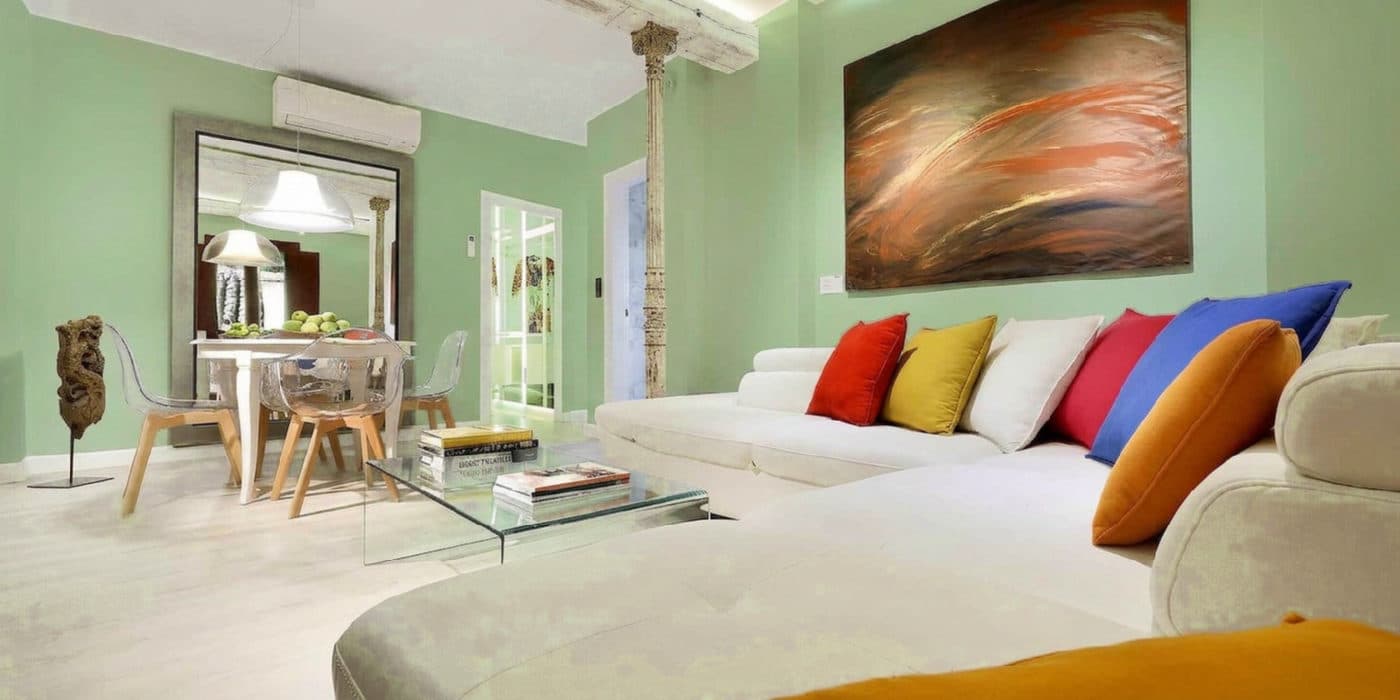
A bright living room virtually repainted sage green by TestMyPaint
Sage Green · #9CAF88Real TestMyPaint sample

Questions before you choose

What is the best paint visualizer for my own room?

For a brand-neutral shortlist, start with TestMyPaint: it compares custom or source-checked brand colours on your room photo and shows measured colour drift. Manufacturer visualizers are useful once the paint brand is chosen. Every screen preview can shift with lighting, sheen, and the tool itself, so confirm the finalist with a physical swatch.

Should I use an independent tool or a paint-brand visualizer?

Use an independent tool when you are still comparing custom colours or brands. Use a brand visualizer when the catalogue and retailer are already decided and you want a direct path to that paint.

Can I upload my own room photo to every option here?

Yes, but the workflows differ. Some repaint a photo, some ask you to mask surfaces, and ColorSnap emphasizes live AR plus colour matching from photos. Check the device and workflow before starting.

Keep narrowing

Continue with the question closest to your room before you buy a sample.

Sources and notes

Public product information checked 5 August 2026. Features, free allowances, and availability can change.

TestMyPaint: TestMyPaint room-photo workflow

Behr Color Visualizer: Behr Color Visualizer

ColorSnap Visualizer: Sherwin-Williams ColorSnap product page

Benjamin Moore Personal Color Viewer: Benjamin Moore Personal Color Viewer

This shortlist uses published product information, not a controlled hands-on test of every tool. A screen preview cannot replace a physical swatch in the room's real light.